
The Stavane console
Your server is just
Your server is just
the beginning.
Stavane Compute is a cloud server (VPS) you manage yourself. The console gives you the tools around it: deployment, power, network, storage, recovery and billing in one place.
01 / Stavane workspace
Your idea.
Your idea.
A ready-to-configure server.
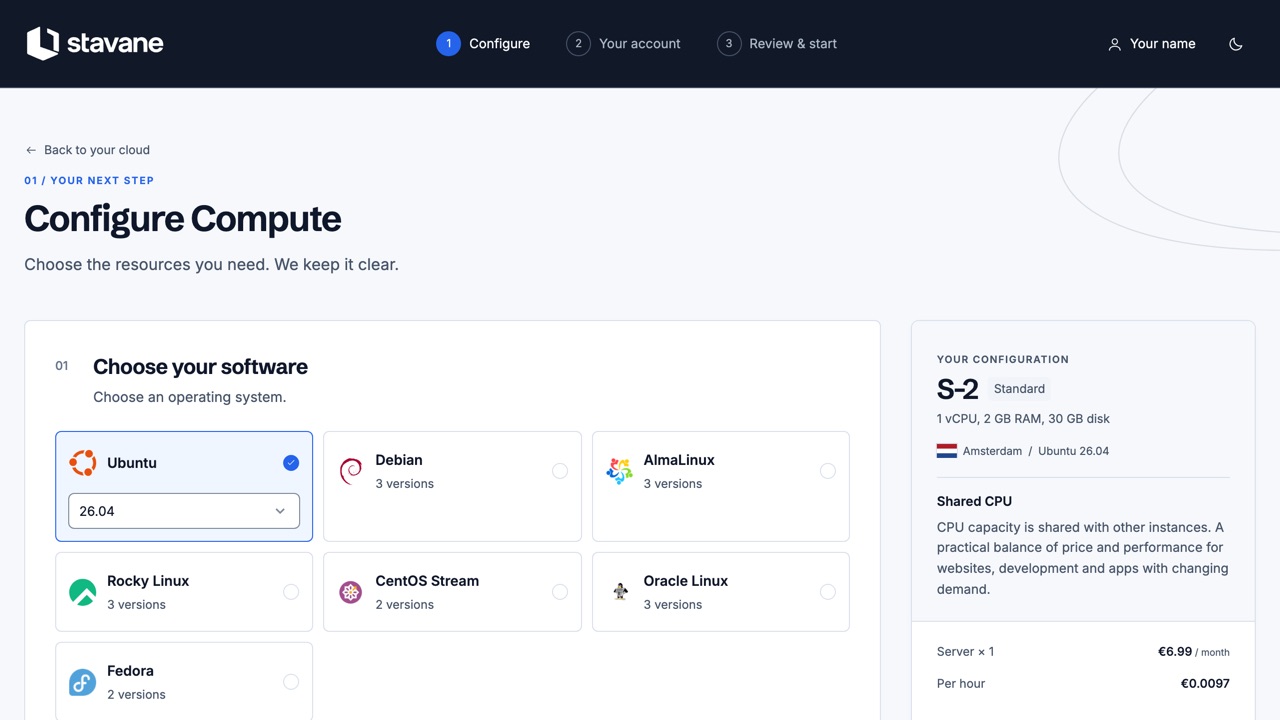
Start with a familiar Linux system. The checkout helps you choose enough resources and shows exactly what you are ordering.
- Seven Linux systems, each in its current versions
- Three Compute families, billed by the hour
- Choose region, SSH keys and an optional cloud-init script
- See the hourly rate and the monthly maximum before you start
- Pay from prepaid credit, topped up with a card or with iDEAL in euro
02 / Stavane workspace
Know what runs.
Know what runs.
Know what’s next.
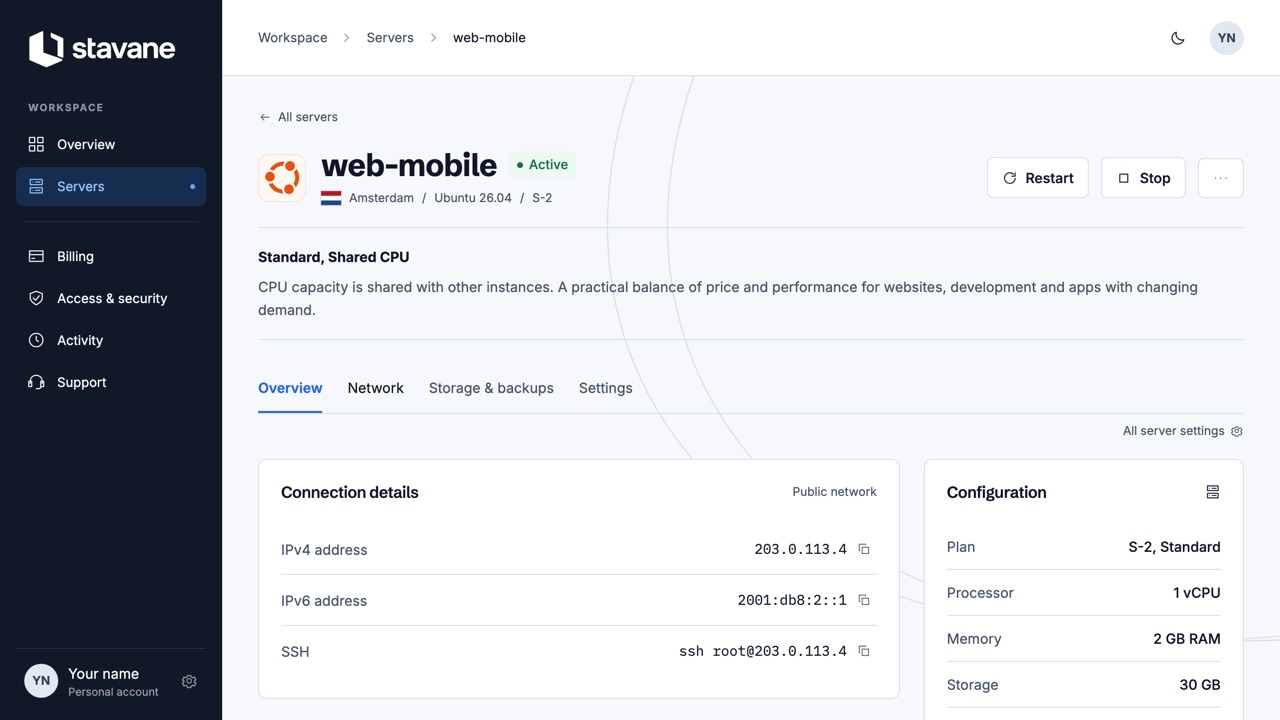
A server needs more than a power button. See its state, its addresses and what happened to it in one place.
- Start, stop, restart and the console at the top of every server
- IPv4 and IPv6, reverse DNS and unlimited traffic under fair use
- Daily backups, and copies you make yourself, put back from the console
- A power timetable, labels, notes and projects to keep many servers in order
- Change the plan of a server when it needs more room
- Rebuild, rename and remove, with a confirmation first
- The history of every task on the server
03 / Stavane workspace
One account.
One account.
Everything in reach.
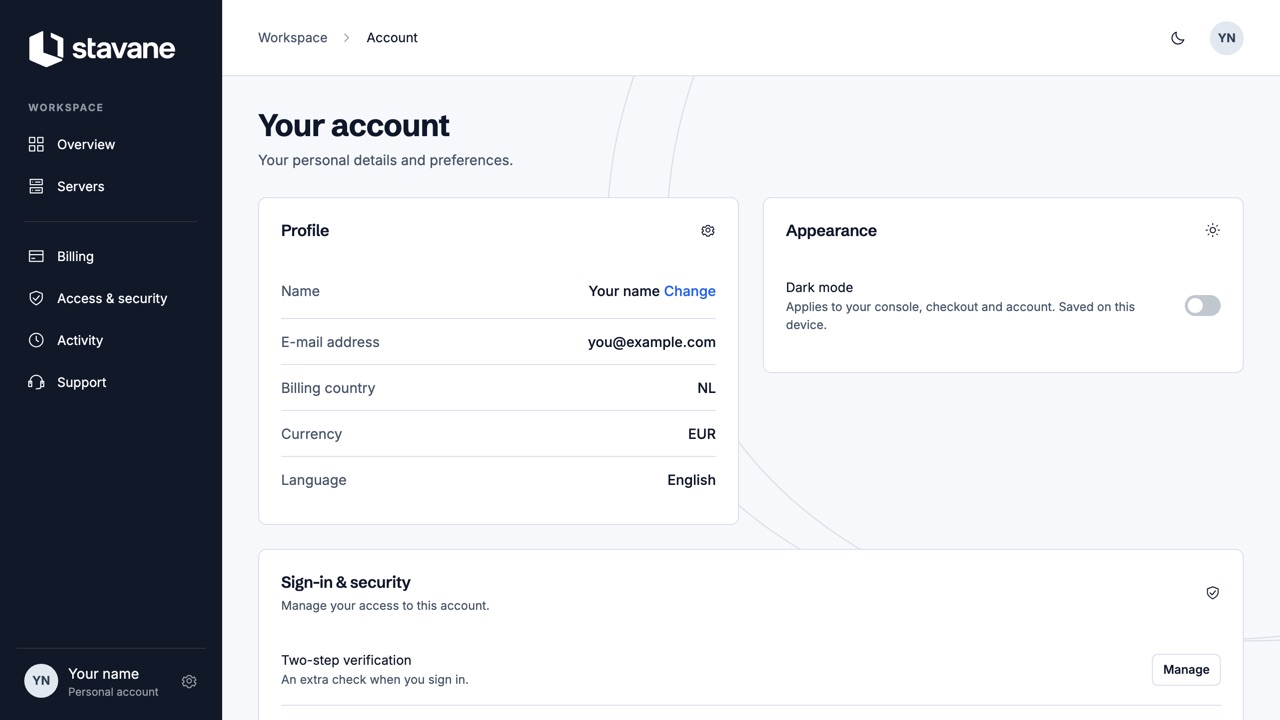
Keep access, costs and support close to your servers. The same screens, whether you arrive from the website, the checkout or the console.
- Password, two-step verification and your active sessions
- Credit, top-ups, invoices and your payment method
- SSH keys under Access & security
- Support tickets and activity history in your workspace
- Dark mode, remembered on this device
04 / The complete toolkitStart simple.
Start simple.
Go as deep as you need.
What is in the console today. Products we are still working on are on the roadmap.
Build and install
Linux imagesClean images of the distributions listed on the operating systems page.
Run your servers
ActivityA history of what happened to your instances and your account, and who asked for it.
Connect and protect
IPv4 and IPv6Every instance gets an IPv4 address and IPv6 from our own address space.
Unlimited trafficTraffic is not metered and has no monthly cap, under fair use as set out in our acceptable use policy.
Security groupsReusable rules for inbound and outbound traffic.
IP setsA reusable collection of IP addresses and ranges for your rules.
Store and recover
Work together
Control access
Stay informed
Account and billing
InvoicesA VAT invoice for every top-up.
Let’s build something